



Monitor Buying Guides




Workstation Setup


Popular Monitors

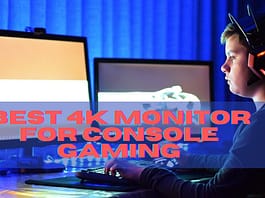
Best 4K Monitors for Console Gaming in 2026 – PS5 and Xbox
Quick Answer: The best 4K monitors for console gaming in 2026 need HDMI 2.1, 4K 120Hz, and VRR for PS5 and Xbox Series X....

Best 4k Monitor for Xbox One X
The Xbox One X is the most powerful console globally, but what's even more important than power is how you can see your games...

Philips 276E8VJSB Review: Cheapest 4K UHD IPS Monitor
With a curved design, the Philips 276E8VJSB 27-inch monitor, 4K UHD IPS offers quality images in a compact size and affordable price. It is...


LATEST ARTICLES
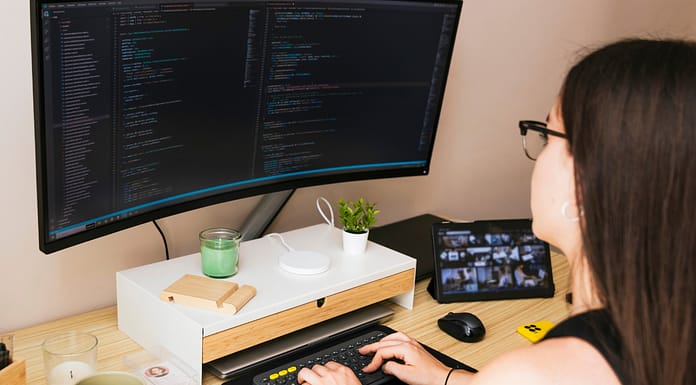
Quick Answer: Freelancers should buy a 27 inch 1440p IPS monitor in 2026. Writers can save with 24 inch 1080p, designers need 4K with 99 percent sRGB, coders should eye 34 inch ultrawide.
Most “how to choose a monitor” articles...
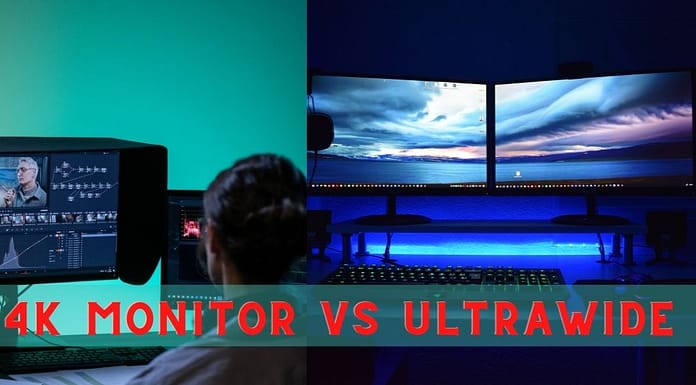
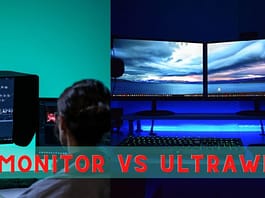
Quick Answer: Choose 4K for sharpness (photo, design, movies) and ultrawide for multitasking and immersion (coding, timelines, sim racing). In 2026 the smart money is 27" 4K IPS for creators and 34" 1440p ultrawide for multitaskers - specs and...
Quick Answer: A super-ultrawide monitor (32:9, like having two 27" screens with no bezel) is the ultimate multitasking and sim-racing screen in 2026. Pick 1440p (5120x1440) for sharpness, 1080p (3840x1080) for budget and high FPS. You need a strong...
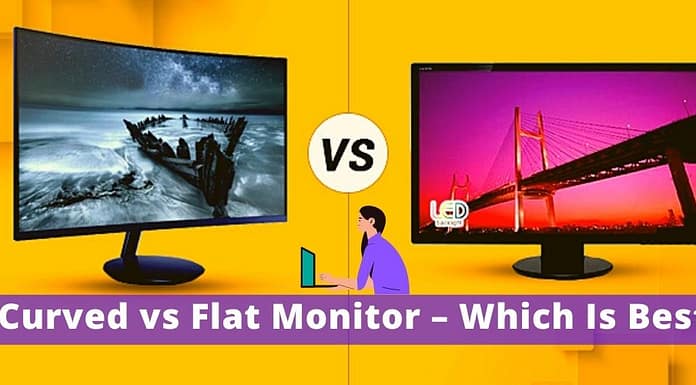
For both curved and flat monitors there are advantages, so there is good reason to choose one instead of the other. Tell Me Why is it that you choose the right monitor according to their use and design.
This article...
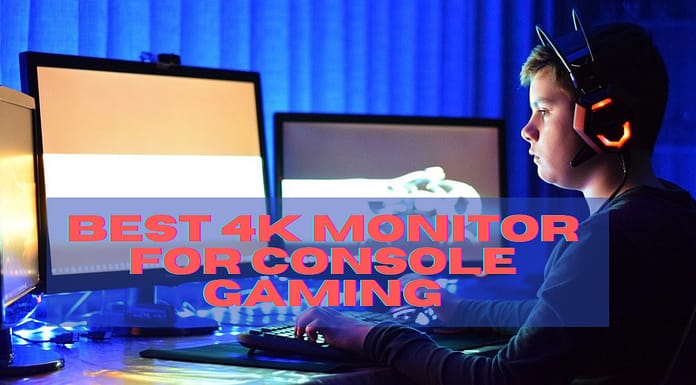
Quick Answer: The best 4K monitors for console gaming in 2026 need HDMI 2.1, 4K 120Hz, and VRR for PS5 and Xbox Series X. Top picks: LG 48CX OLED for cinematic quality, HP Omen X 65 for big-screen gaming,...
Quick Answer: The best gaming monitors under $300 in 2026 are 24-27" 1080p 144-165Hz IPS or VA panels - the Gigabyte G27Q (1440p 144Hz) for sharpness, the Dell S2522HG (240Hz) for esports speed, and the Sceptre 32" curved for...
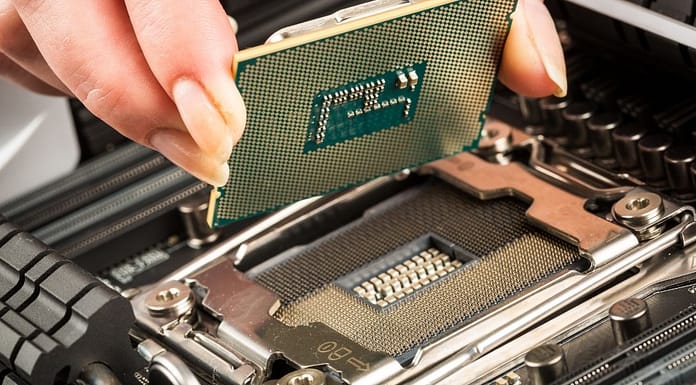
Quick Answer: For graphic design workstations in 2026, both work great - pick AMD Ryzen for multi-core value (rendering, multitasking) and Intel Core for single-core speed (Photoshop filters, UI snappiness) plus better laptop efficiency. Either way, prioritize 32GB RAM...
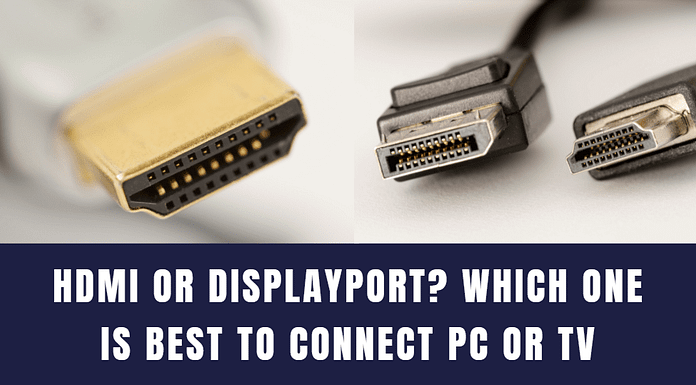
Quick Answer: DisplayPort wins for PC gaming (higher refresh rates, adaptive sync, daisy-chaining); HDMI wins for TVs, consoles, and universal compatibility. In 2026: PC monitor = DisplayPort, TV/console = HDMI 2.1, laptop dock = USB-C.HDMI vs DisplayPort: Head-to-Head (2026)HDMI...

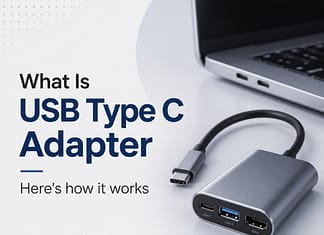
Quick Answer: A USB-C adapter lets one cable carry display video, data, and laptop charging between your monitor setup and computer. For workstation use, get a USB-C hub with HDMI/DisplayPort output plus 65W+ power delivery - that single cable...

Quick Answer: Curved monitors are genuinely good for content creation - the curve keeps the whole screen at an even viewing distance, cutting edge distortion on ultrawides. Best for video timelines and multitasking; avoid them only for print work...