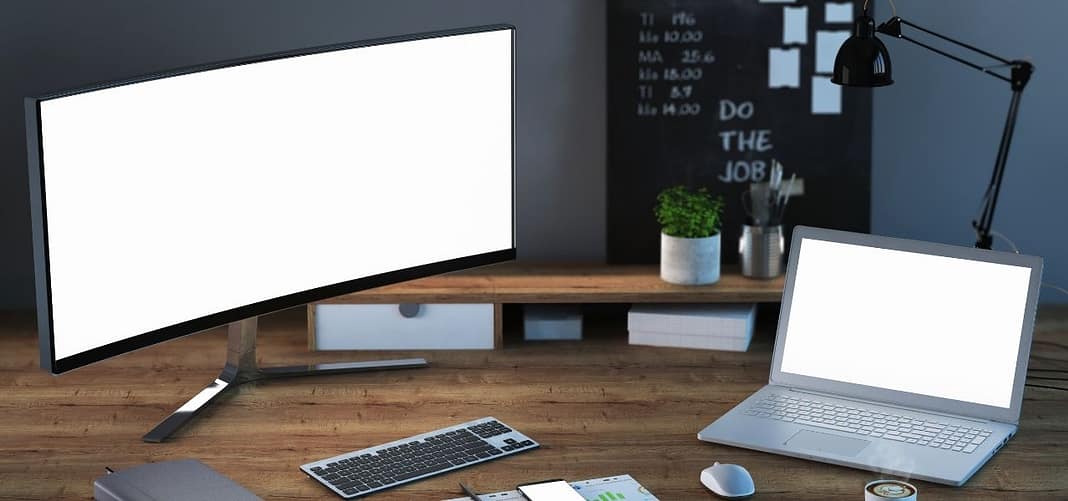
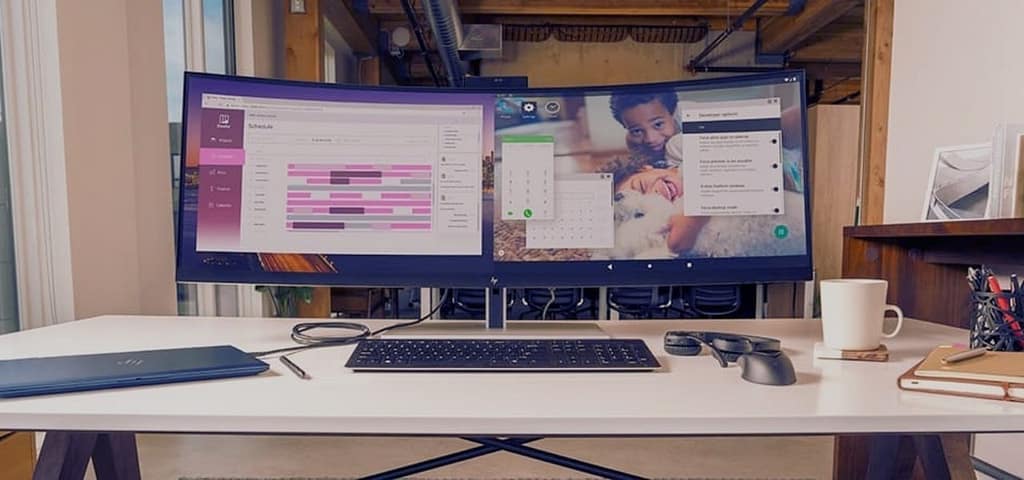
A curved monitor is not just for gaming — wrapped around your desk, an ultrawide curve puts two or three windows at the same viewing distance, cuts head-turning, and makes long spreadsheet and document sessions noticeably more comfortable. This guide compares the seven best curved monitors for work you can buy in 2026, from a premium Dell UltraSharp hub display to sub-$150 budget curves.
Every model below is a current, in-production display with a live Amazon listing — no discontinued 2020 panels.
Quick Answer: Best Curved Monitors for Work in 2026
- Best premium work monitor: Dell UltraSharp U3423WE — 34" WQHD curved, IPS Black, USB-C hub
- Best value work ultrawide: Dell P3421W — 34" WQHD, USB-C 65W
- Best budget ultrawide: AOC CU34G2X — 34" QHD, 144Hz VA
- Cheapest curved office pick: Samsung Essential S3 27" — 1000R FHD, ~$130
Best curved monitors for work at a glance
| Monitor | Panel | Resolution | Refresh | Work feature | Approx. price |
|---|---|---|---|---|---|
| Dell U3423WE | 34" curved IPS Black | 3440×1440 | 120Hz | USB-C hub, KVM | ~$950 |
| Dell P3421W | 34" curved VA | 3440×1440 | 60Hz | USB-C 65W charging | ~$500 |
| LG 34U650A-B | 34" curved IPS | 3440×1440 | 100Hz | Built-in speakers, HDR10 | ~$300 |
| Samsung ViewFinity S50GC | 34" curved VA | 3440×1440 | 100Hz | Eye care, borderless design | ~$300 |
| AOC CU34G2X | 34" curved VA | 3440×1440 | 144Hz | Work + gaming hybrid | ~$270 |
| Samsung Odyssey G55C | 27" curved VA (1000R) | 2560×1440 | 165Hz | Small-desk hybrid | ~$220 |
| Samsung Essential S3 | 27" curved VA (1800R) | 1920×1080 | 100Hz | Cheapest office curve | ~$130 |
Prices are approximate — check the live listing for current pricing.
1. Dell UltraSharp U3423WE — Best Premium Curved Work Monitor
The Dell UltraSharp U3423WE is the curved monitor for professionals who live in spreadsheets, terminals, and timelines. Its 34 inch WQHD (3440×1440) curve uses Dell’s IPS Black technology — roughly twice the contrast of standard IPS — with excellent factory color accuracy, and the gentle curve keeps every corner of the wide canvas at a consistent viewing distance.
The real magic is connectivity: a 90W USB-C hub, built-in KVM switch (one keyboard and mouse across two computers), a pile of USB ports, and an Ethernet passthrough. For a MacBook or laptop user, one cable powers, drives, and connects the entire desk. It is expensive, but it replaces a monitor, a dock, and a KVM in one purchase.
2. Dell P3421W — Best Value USB-C Work Ultrawide
The Dell P3421W delivers the same 34 inch WQHD curved canvas and one-cable USB-C docking (65W power delivery) at nearly half the UltraSharp’s price. The VA panel trades a little color accuracy for deeper contrast, which most office work favors anyway.
You still get Dell’s comfortable 1800R curve, a fully adjustable stand, andPicture-by-Picture for two sources side by side. For remote workers who dock a laptop with a single cable, this is the sensible sweet spot in Dell’s curved lineup.
3. LG 34U650A-B — Best Mid-Range Curved Ultrawide
The LG 34U650A-B packs a 34 inch WQHD curved IPS panel, 100Hz refresh, HDR10, and built-in speakers at a mid-range price. The IPS panel keeps colors consistent across the wide canvas — important when windows stretch from edge to edge — and 100Hz makes desktop use feel smooth without needing a gaming GPU.
On-screen controls split the display into layouts (picture-in-picture, side-by-side), and AMD FreeSync keeps casual gaming after hours tear-free. For a home office that wants the ultrawide productivity jump without Dell money, this is the pick.
4. Samsung ViewFinity S50GC 34″ — Best for All-Day Eye Comfort
The Samsung ViewFinity S50GC is built around exactly what work users need: a 34 inch Ultra-WQHD curved panel, 100Hz refresh, HDR10, and Samsung’s eye-comfort stack — flicker-free backlight, blue-light reduction, and adaptive picture. The near-borderless design suits multi-monitor arrays.
It is not the flashiest display here, but eight-hour days are where its low-glare VA panel and flicker-free dimming genuinely matter. If your workday is long documents, email, and video calls, this is a quietly excellent choice.
5. AOC CU34G2X — Best Budget Curved Ultrawide (Work + Play)
The AOC CU34G2X has been the budget ultrawide to beat for years because it keeps getting cheaper: a 34 inch curved VA panel at 3440×1440 with a 144Hz refresh and 1ms response for under $300.
For work it gives you the full ultrawide canvas at the lowest cost per inch in this guide; after hours, 144Hz with FreeSync turns it into a genuinely good gaming display — a nice pairing with our 144Hz gaming monitor picks. VA contrast makes dark-room work look rich, and the frameless three-side design keeps the setup clean.
6. Samsung Odyssey G55C 27″ — Best Curved Monitor for Small Desks
Not every desk fits a 34 inch ultrawide. The Samsung Odyssey G55C wraps a 27 inch QHD panel in Samsung’s aggressive 1000R curve — the strongest curvature here, so the screen hugs your field of view even in a compact workspace. You get 165Hz, 1ms response, HDR10, and FreeSync Premium.
As a work display it keeps two windows comfortably side by side at 1440p sharpness; as a gaming display it is one of the best values in Samsung’s lineup. The 1000R wrap also keeps edges in your natural focal zone, reducing the eye travel a flat 27 inch screen demands.
7. Samsung Essential S3 27″ — Cheapest Curved Office Monitor
The Samsung Essential S3 proves the curved experience now costs almost nothing: a 27 inch 1800R curved FHD panel with a 100Hz refresh, 4ms response, and Samsung’s flicker-free, eye-comfort tuning for around $130.
It is a 1080p panel, so keep it at 27 inches and it stays sharp enough for documents, browser work, and calls. There is no USB hub or fancy HDR — just a comfortable, gently curved screen that is dramatically better than a flat 60Hz office monitor at the same price.
Why curved monitors actually work better for productivity
Forget the marketing myths — curves do not reduce radiation or change your eyesight. What they genuinely do is geometry: a curved ultrawide keeps the left and right edges of the screen at roughly the same distance from your eyes as the center. On a flat 34 inch screen, the corners sit measurably farther away, so your eyes refocus and your head turns more.
That single fact explains the real benefits: less eye travel across a giant canvas, a more uniform viewing angle (less color and contrast shift at the edges), and a wraparound feel that makes split-window multitasking comfortable. Independent display testing has found users report less eye strain on curved ultrawides during long sessions — the effect is real, it is just about distance, not radiation.
Curve radius explained: 1000R vs 1500R vs 1800R
The number is the radius of the curve in millimeters — lower means stronger curve:
- 1800R — a gentle wrap that suits most desks and all ultrawides in this guide’s budget tier.
- 1500R — more pronounced immersion, common on 27–34 inch gaming-adjacent models.
- 1000R — the strongest consumer curve (Odyssey G55C). Most immersive at a desk, but some people notice the bow on straight lines in spreadsheets — test before committing if precise line work matters.
How to choose a curved monitor for work
Go 34 inch WQHD, or stay 27 inch
The productivity magic of curved screens comes from ultrawide width: 3440×1440 gives you three vertical windows side by side. If your desk cannot fit 32+ inches with the stand, a 27 inch 1440p curve is the better compromise than a cramped ultrawide.
USB-C matters more than refresh rate
If you dock a laptop, prioritize a USB-C monitor with power delivery (the Dell picks above). One cable replacing your dock, charger, and video cable transforms a daily routine — more than 60Hz vs 100Hz ever will.
VA for contrast, IPS for color work
VA panels (Dell P3421W, AOC, Samsung) deliver deep contrast that makes text easy on the eyes. If you also do photo or design work, pick IPS (Dell U3423WE, LG 34U650A-B) for color consistency across the curve.
Ergonomics and mounting
Height adjustment matters for all-day comfort — and if you use a monitor arm or wall mount, confirm the VESA pattern before buying (all seven picks here support VESA). Pair the screen with a proper ergonomic desk setup for the full benefit.
Frequently asked questions
Are curved monitors good for office work?
Yes, especially curved ultrawides. The curve keeps the screen edges at an even distance, which reduces eye travel and head turning during long sessions with multiple windows open. Flat screens remain fine at 24–27 inches; curves pay off most at 34 inches and wider.
Is a curved monitor bad for spreadsheets?
The gentle 1800R curve on most ultrawides causes no visible distortion for spreadsheet grids. The stronger 1000R curve can make long horizontal lines look slightly bowed to some people — if precise line work is critical, favor 1800R models like the Dell picks.
Do curved monitors cause eye strain?
The opposite, for most people: by keeping the whole canvas at a consistent distance, curved ultrawides reduce the refocusing that flat wide screens demand. Panel quality, brightness settings, and breaks matter more than curvature either way.
Can you game on a curved work monitor?
Yes — the AOC CU34G2X (144Hz) and Samsung G55C (165Hz) in this guide are genuinely good gaming displays that happen to be excellent for work too.
Is a curved ultrawide worth it over two monitors?
For most people, yes: no center bezel interrupting your windows, one cable, one power brick, and a cleaner desk. Two separate monitors still win when you need different heights, portrait orientations, or separate inputs.
Final verdict
If budget allows, the Dell UltraSharp U3423WE is the best curved monitor for work in 2026 — IPS Black picture quality, USB-C docking, and a KVM in one curved canvas. Most buyers should shortlist the Dell P3421W for USB-C value, the LG 34U650A-B for an affordable curved IPS, or the Samsung Essential S3 if you just want the curved comfort for as little as possible. Pick the size your desk allows, and enjoy the two-window-at-a-glance workflow an ultrawide curve unlocks.