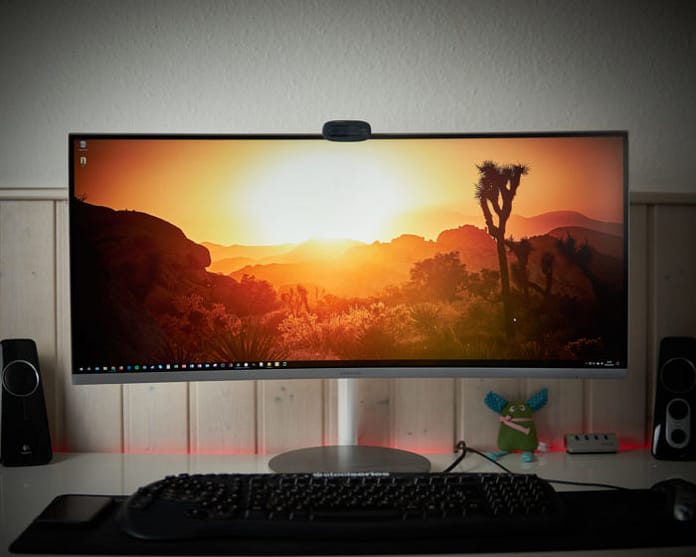
Quick Answer: Curved monitors are genuinely good for content creation – the curve keeps the whole screen at an even viewing distance, cutting edge distortion on ultrawides. Best for video timelines and multitasking; avoid them only for print work where straight lines must stay perfectly straight.
Table Of Content
Why Creators Like Curved Screens
- Even viewing distance: on a 34″+ ultrawide, flat edges sit noticeably farther from your eyes – the curve fixes that, so colors and focus stay uniform.
- Less head turning: the screen wraps slightly into your peripheral vision; timelines and tool panels feel closer.
- Immersion for video: full-screen previews feel more cinematic, useful for judging pacing and framing.
Where Curves Cause Problems
- Print and CAD: straight lines can look bowed – architects and print designers should stick to flat.
- Shared viewing: clients sitting off-axis see a distorted image; keep a flat second screen for reviews.
- Photo geometry: correcting lens distortion on a curved panel invites errors.
General curved vs flat trade-offs live in our curved vs flat monitor guide.
Best Curve Ratings for Creative Work
| Curve | Feels like | Verdict for creators |
|---|---|---|
| 1800R | Gentle | Safe all-rounder for 27-32″ |
| 1500R | Noticeable wrap | Sweet spot for 34″ ultrawide editing |
| 1000R | Aggressive | Gaming-first; too much for design |
What to Buy (2026)
- Video editing on ultrawide: 34″ 1500R IPS with 95%+ DCI-P3 – see video editing monitor guide.
- Design + code: flat 27″ 4K IPS as main, curved as secondary – accuracy where it counts.
- Calibration still applies: curved or flat, calibrate every 1-2 months (free calibration method).
Frequently Asked Questions
Q: Are curved monitors good for Photoshop?
A: Decent, with one rule: do final geometry and straight-line checks on a flat screen or at 100% zoom awareness.
Q: Do curved monitors distort video?
A: No – the video signal is unchanged; only your viewing geometry changes. Exports look identical on any screen.
Q: 1500R or 1800R for editing?
A: 1500R for 34″ ultrawides, 1800R for 27-32″. Bigger curve numbers mean gentler curves.
Key Takeaways
- Curved = great for timelines and multitasking, bad for print-geometry work.
- 1500R-1800R is the creator zone; 1000R is for gamers.
- Pair with calibration and a flat reference when precision matters.